
APAAR ID How to Create APAAR ID Online Method
APAAR ID is a unique digital student ID launched by the Ministry of Education, Government of India to store and track a student’s academic records (school, college, degrees, certificates) in one place.
How to Create APAAR ID (Online Method)
✅ Step 1: Keep these ready
- Aadhaar card
- Mobile number linked with Aadhaar
- School/College details
✅ Step 2: Login to DigiLocker
- Open DigiLocker (App or website)
- Login using Aadhaar number
- Verify with OTP
✅ Step 3: Find APAAR / ABC ID
- Go to Education / Academic Services
- Click on APAAR ID / Academic Bank of Credits (ABC)
- Select Create APAAR ID
✅ Step 4: Verify Details
- Confirm personal details
- Give consent for data sharing
- Submit the form
✅ Step 5: APAAR ID Generated
- Your APAAR ID number will be created
- It will be saved in DigiLocker
- You can download or share it anytime
Offline Method (For School Students)
- Contact your school
- School admin will generate APAAR ID through the UDISE / school portal
- Parents’ consent may be required
Benefits of APAAR ID
- One ID for all academic records
- Easy college admissions
- No need for repeated document verification
- Secure & government verified
 समग्र शिक्षा की बड़ी उपलब्धि:कोडावेर नेशनल्स में हिमाचल का परचम, जीएसएसएस (बॉयज़) मंडी ने नवाचार में दिखाया दम
  मुख्यमंत्री ने कुल्लू सड़क हादसे पर शोक व्यक्त किया
 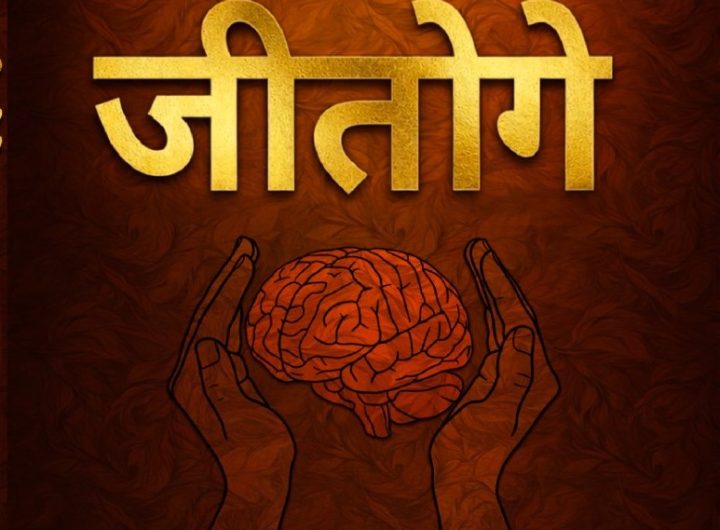 आप ही जीतोगे’ एक प्रेरणादायक पुस्तक है, जो पाठक को यह विश्वास दिलाती है कि जीवन की हर लड़ाई में जीत की सबसे बड़ी ताकत उसके भीतर ही छिपी होती है
  Trade deal with United States is pact that will ruin farmers of Punjab & country: CM Bhagwant Singh Mann*